SSO v saved passwords
SSO applications are apps directly integrated with MyLogin, requiring no additional setup beyond informing the app about the accounts you want to set up. Saved Passwords applications have not yet integrated directly with MyLogin and therefore require additional steps to set your users up to use the MyLogin Dashboard to sign in with.
SSO applications - direct integration
For any SSO application that you add to MyLogin that utilises direct integration, you will also need an approved connection to that application on your Wonde School Portal. If you do not have an approved connection for an application, then you should ask the application developer to request access to your school data via Wonde so that you can approve the connection.
- You can find applications that are SSO enabled through the MyLogin App Directory. Simply navigate to the App Directory in the dashboard to view the available apps.
- You can filter by 'SSO' to see only SSO enable applications
- Click on an application to find out more about it.
- If you are looking for an app your school already works with, simply let the app know that you want to use MyLogin as the sign in method and they should be able to get your users set up for use with MyLogin, via the Wonde data.
- Now click ‘Add to my apps’.
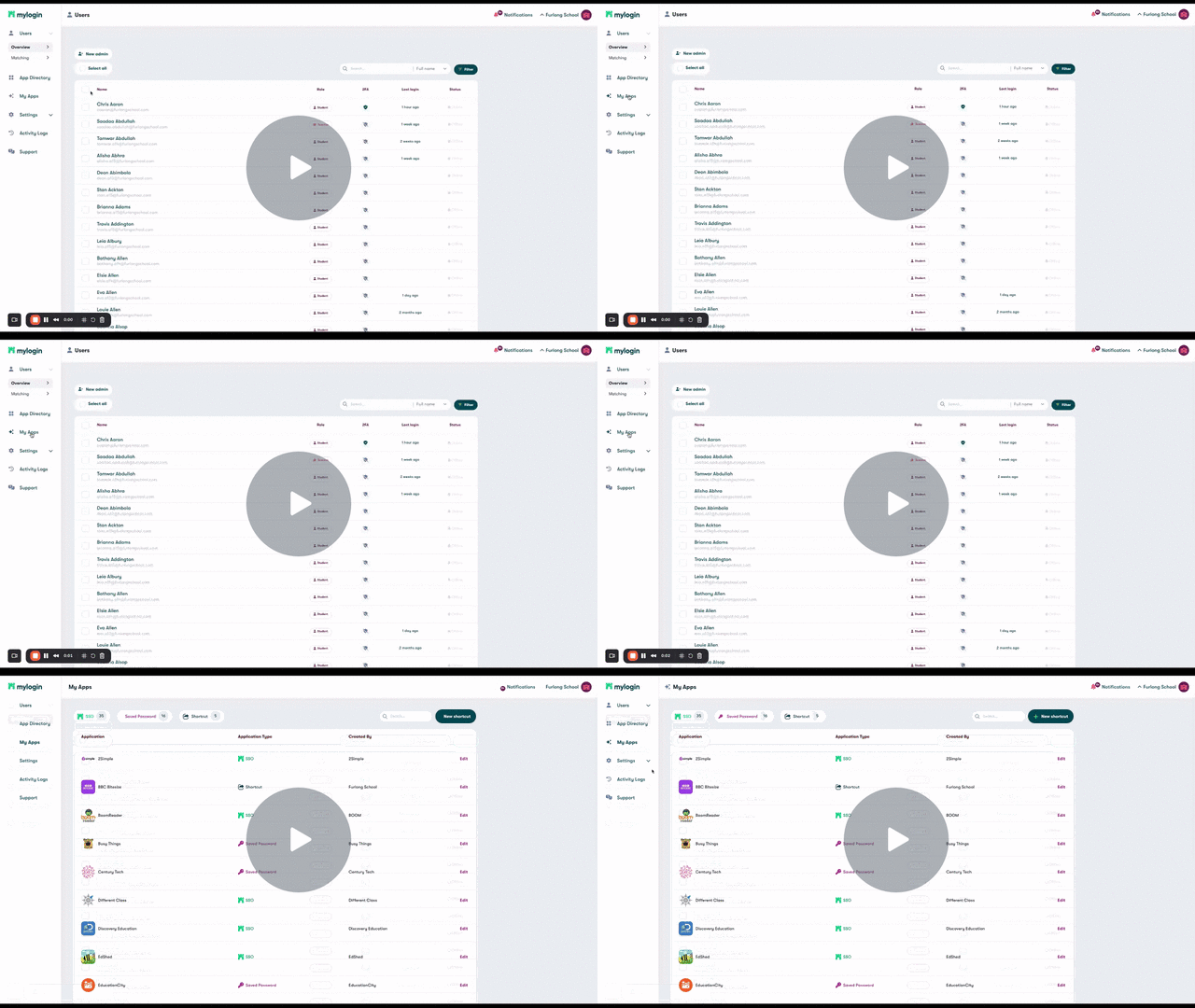
- The app will now appear in your ‘My Apps’ section and on your student and teacher dashboards so users can begin to log in to these apps using MyLogin.
- Your users can now sign into the MyLogin dashboard and sign into their applications with one simple click.
- You can designate which user groups have the app available to them on their app dashboard by using the 'Display Rules.' Select the groups of users you want to have the app on their dashboard. Any member of any group that have the app toggled on will be see the app on their MyLogin app dashboard. Find out more here.
App Display Rules - Watch Video
Saved Passwords
We want to make sure you can access as many applications as possible using MyLogin - even if they haven’t yet integrated directly with our platform. To facilitate this we also offer the option to use Saved Passwords. To find out more about setting up Saved Passwords applications please click here.
Comments
0 commentsPlease sign in to leave a comment.